Built for Windows 10 and 11 · 64-bit

Unlock high FPS
in Roblox.

Set your frame rate to 120, 144, 240, or unlimited on Windows. Your choice sticks between sessions, and one click returns you to Roblox's default 60 FPS if you want it back. Fast monitors finally have something to do.

No account neededCompletely free foreverNothing phoned homev1.0.0
120, 144, 240 FPSPersists across sessionsOne-click restoreNo tweaking neededWindows only
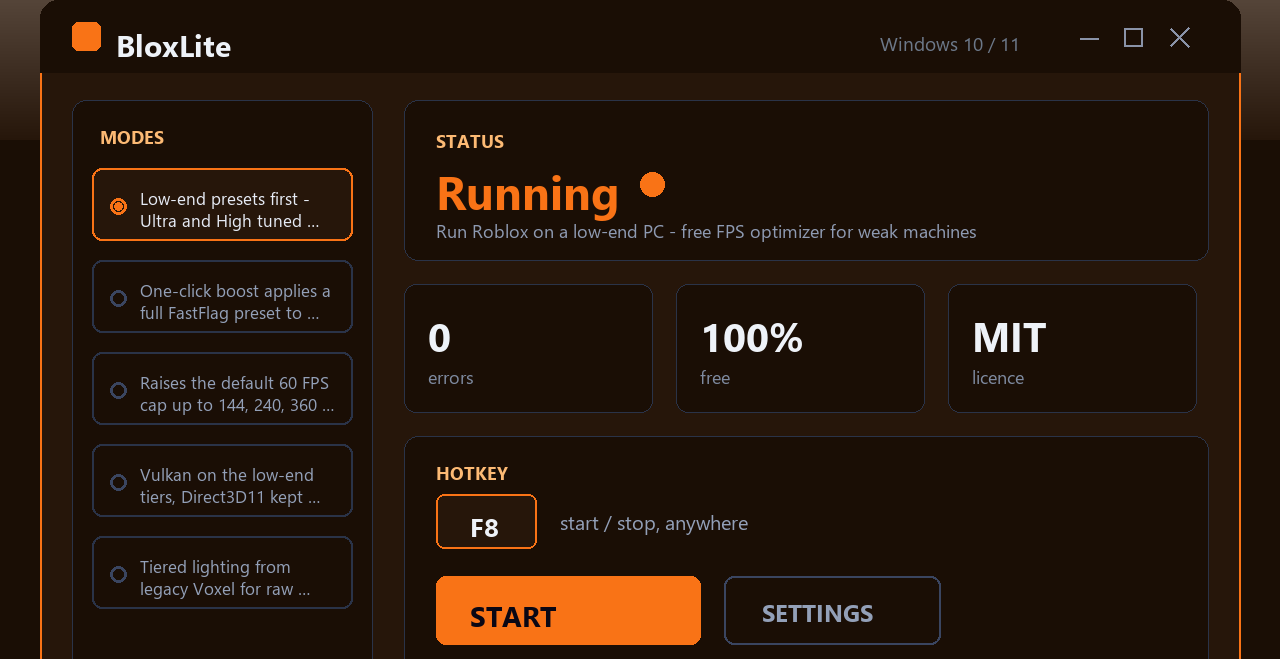
FPS Unlocker for Roblox app window on Windows
Real results
Inside the appFPS Unlocker for Roblox window

See the difference on a 144Hz or 240Hz display.

The jump from 60 to 120+ FPS is instant on a high-refresh monitor. Movement feels fluid, aiming is sharper, and fast-paced games become noticeably smoother. Your monitor's full potential finally shows up.

Instant frame rate changePick your target FPS, apply it, and Roblox launches at that frame rate the next time you start the game.
Setting stays putClose Roblox, launch it again tomorrow—your frame rate preference is still there, no re-entry needed.
Back to 60 in one stepIf you want Roblox's default frame cap restored, one button does it without any digging through settings.
vs. the rest

How it compares to other frame-rate tools.

Most unlockers make you re-apply the setting every session or hide controls behind layers of menus.

 FPS Unlocker for RobloxTypical other tools
Setting persistenceSaved between sessionsResets on each restart
Setup timeOne minute, onceRepeated every play session
InterfaceOne window, one choiceMultiple menus and tabs
Restore to defaultOne clickManual config edit
Learning curveNoneRead documentation
Works with all launchersYes, all of themOften launcher-specific
Get started

Set your frame rate in four steps.

The whole process takes under a minute.

1
Download and installGet the installer, run it, and let it finish—standard Windows setup.
2
Open the app and pick your FPSChoose 120, 144, 240, or unlimited from the list. The app shows what your current setting is.
3
Apply and launch RobloxHit the apply button, then start Roblox the way you normally do. The frame-rate cap takes effect immediately.
4
Your setting is locked inClose Roblox, launch it again tomorrow, and your frame rate is still there. The app remembers it.
Common questions

Questions about frame rates and the unlocker.

Why it works

Why this unlocker beats the alternatives.

Most frame-rate tools bury you in menus or demand constant fiddling. This one doesn't.

Set it once, forget it

Choose your FPS limit and close the app. Your setting is remembered next session. No profiles to juggle, no config files to edit, no reason to open the tool again unless you want to change something. It sits in the background doing nothing until you decide otherwise.

Works with any Roblox launcher

Browser, Microsoft Store, desktop shortcut—doesn't matter. The frame-rate unlock applies to all of them. You get the same result whether you start Roblox from Chrome, Edge, the app store, or a pinned icon.

No hidden complexity

You see one window with your frame-rate options. Tap what you want, close it, and play. There's no advanced mode hiding in a submenu, no secret settings that need tweaking, no reason to read a manual.

Survives updates

Roblox updates don't wipe your frame-rate setting. New game version drops, your FPS cap is still there. You don't get reset back to 60 every patch.

Lock in your frame rate today.

Download the app, set your FPS once, and enjoy smooth gameplay every session without touching settings again.

Download for Windows
Latest release · v1.0.0

FPS Unlocker for Roblox guides